Managing favourites
Favourites are your personal list of the publications you need again and again.
Saving publications as favourites
You can add publications to your favourites in two places:
- Straight from the search results
- On the publication’s detail page
Click the heart icon next to the publication. A filled heart shows that the publication is already one of your favourites.
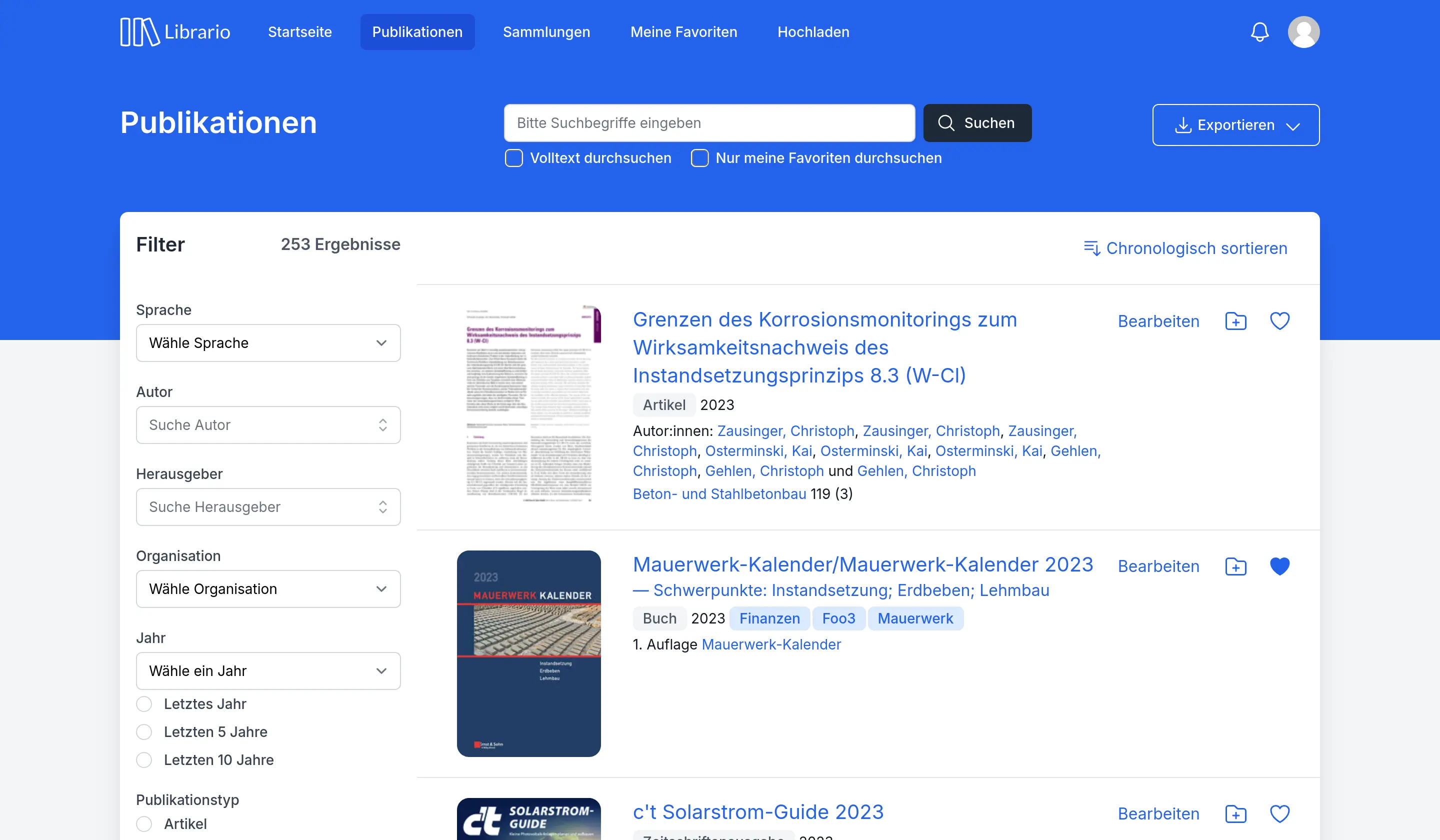
Screenshot of the German interface.
Managing your favourites
The My favourites entry in the user menu (top right) takes you straight to your personal list of favourites. There you can:
- Search your favourites with the search field above the list
- Export your favourites as BibTeX, EndNote or CSV under Export
- Subscribe to your favourites as an ATOM feed in your feed reader (also under Export)
- Remove a favourite by clicking its heart icon again
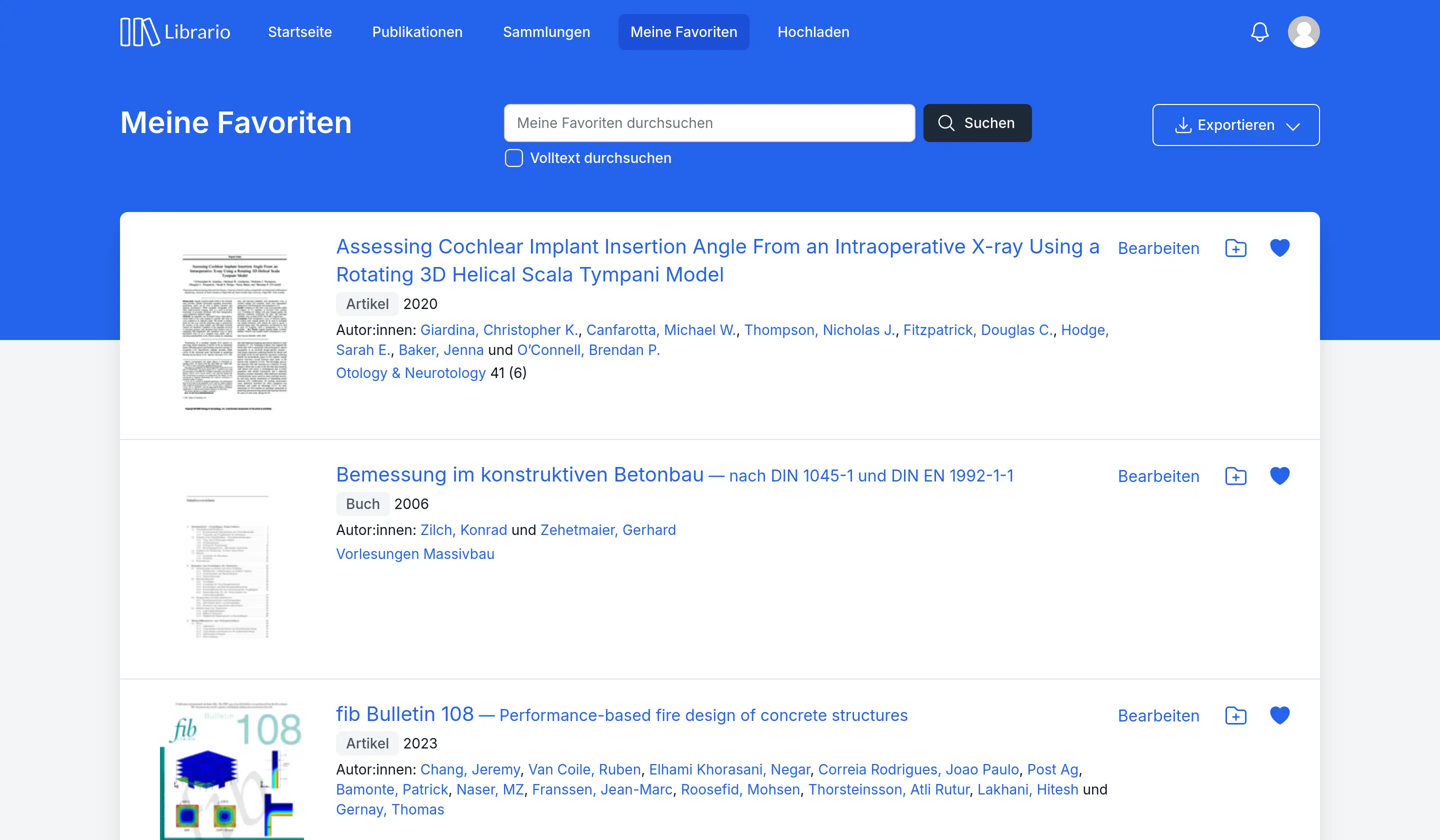
Screenshot of the German interface.
Seeing other users’ favourites
To encourage knowledge sharing in your company, every user can see which literature other users have marked as relevant.
Each person’s user profile shows their personal list of favourites. Click a person’s name, for example on a task, to open their user profile. Administrators can also reach every profile under Our account → Users. The favourites appear towards the bottom of the profile page under Favourites of name.
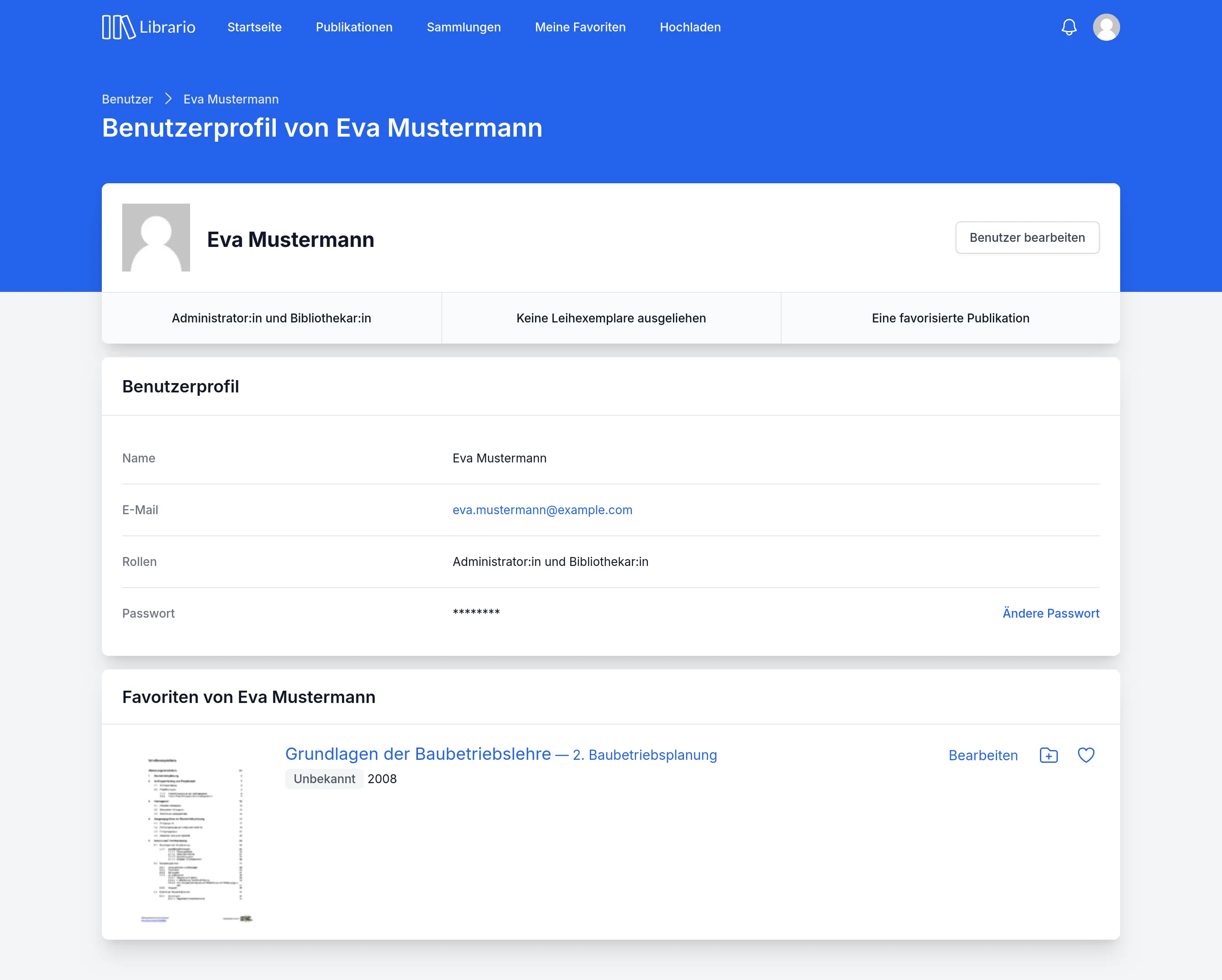
Screenshot of the German interface.