Importing PDF files
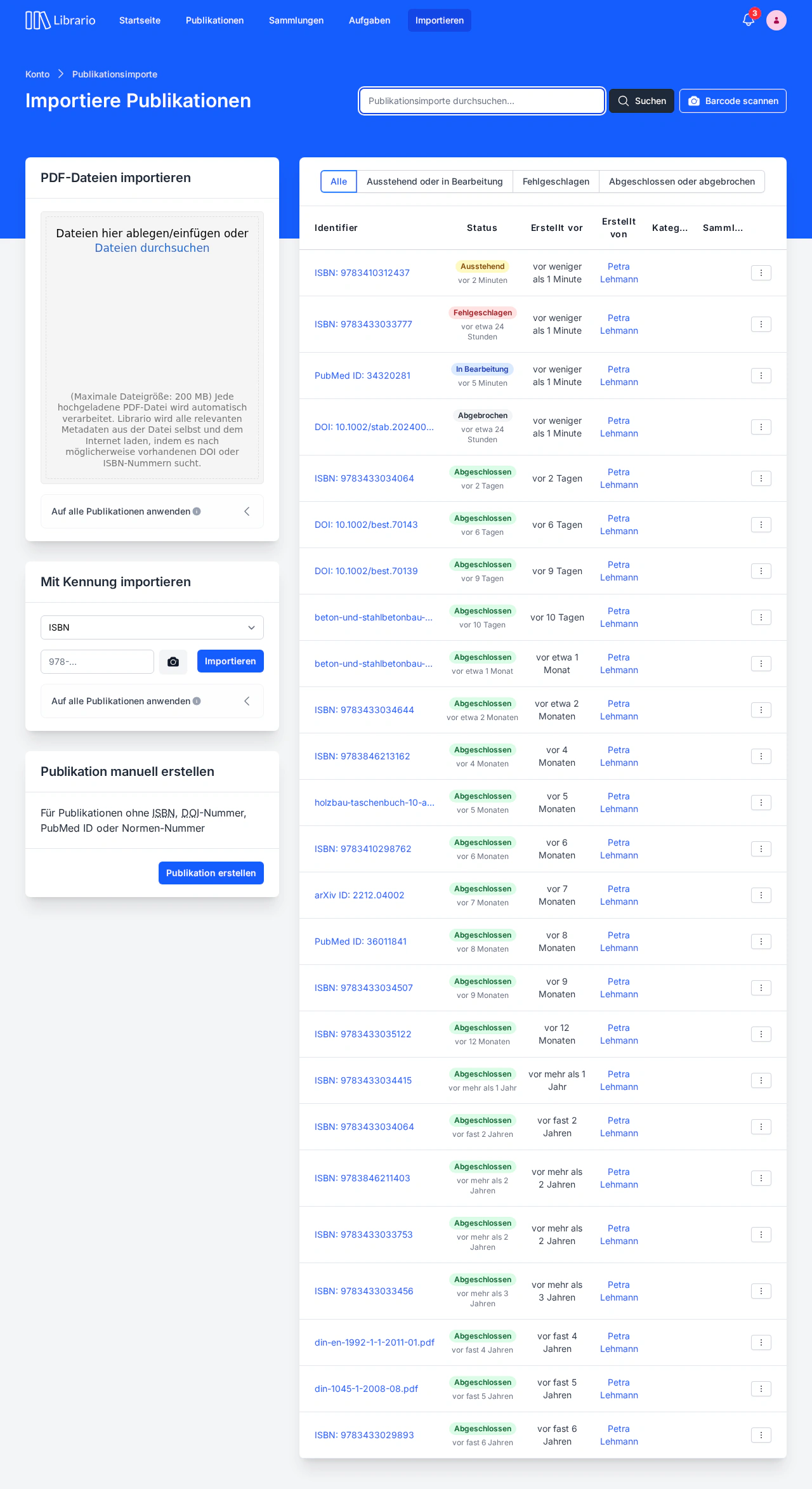
Screenshot of the German interface.
The PDF import adds PDF files to your library and catalogues them automatically. Librario reads the title, contributors and publication year from the PDF’s document properties: the metadata embedded in the file, not the text of the first page. It also looks for an identifier such as a DOI, ISBN, PubMed ID or arXiv ID in that metadata and on the first pages. If it finds one, it adds details from bibliographic sources: DOIs through the DOI registration agency (for example Crossref), ISBNs through the German National Library, Open Library and Google Books, PubMed IDs through PubMed and arXiv IDs through arXiv. Without an identifier, the title and contributors usually come from the document properties. These are often empty or inaccurate, for example holding only the file name the word processor stored. Check the title and contributors of such publications and correct them where needed. If Librario finds no title at all, the publication gets a placeholder title. You can upload many PDF files at once, and Librario processes them one after another. Once the import has succeeded, you can go on to edit the publication, for example to add hard copies to it.
Uploading PDF files
There are two ways to upload PDF files:
- Drag and drop: drag the PDF files into the marked area
- File selection: click browse files and select the PDF files you want
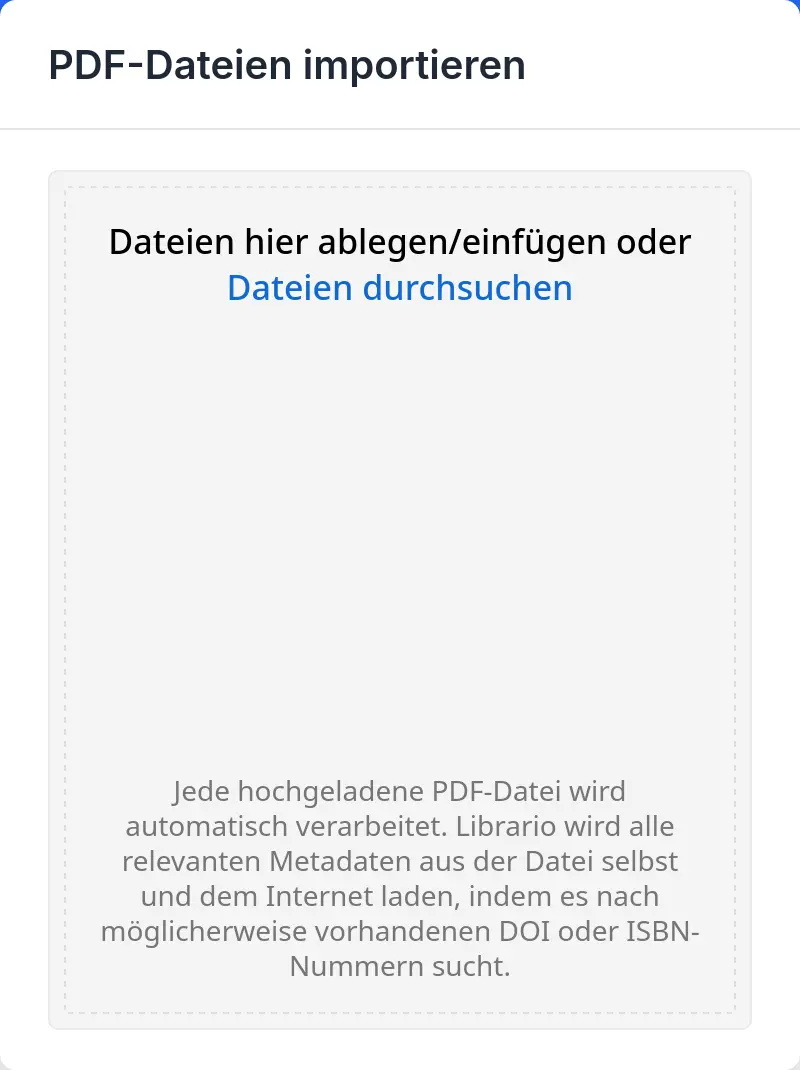
Screenshot of the German interface.
The uploaded files appear straight away in the list of imports with the status Pending. Librario processes them automatically, with no further action from you. It takes these steps:
- Librario adds the PDF files to your library and creates a new publication for each file
- Librario reads the metadata from the file’s document properties (title, contributors, publication year)
- Librario reads the full text, so that full-text search finds the file
- If Librario finds an identifier such as a DOI, ISBN, PubMed ID or arXiv ID in the document properties or on the first pages, it adds further metadata from the internet
Full-text search
Librario checks every file of a publication for searchable text. If it finds no text, for example in a scanned document, you get a notice. In that case you can optimise the file for full-text search.