Getting started with Librario
Four steps from signing up to inviting your team.
Have you been invited? Then your account is already set up and your sign-in details are in the welcome email. Skip to step 3, or go straight to the library search.
If you have questions, contact our support team; we usually reply within one business day.
Step 1: Sign up for Librario
Want to use Librario in your organisation? Try Librario free for 14 days, no credit card needed.
Step 2: Import publications
The first important step is adding your specialist literature. You can add publications in three ways:
- by identifier (ISBN, DOI, PMID or a standard number such as EN 1992-1-1), also by scanning a barcode
- by uploading PDF files
- manually
For uploaded PDFs, Librario reads the metadata from the file and looks up the DOI or ISBN online.
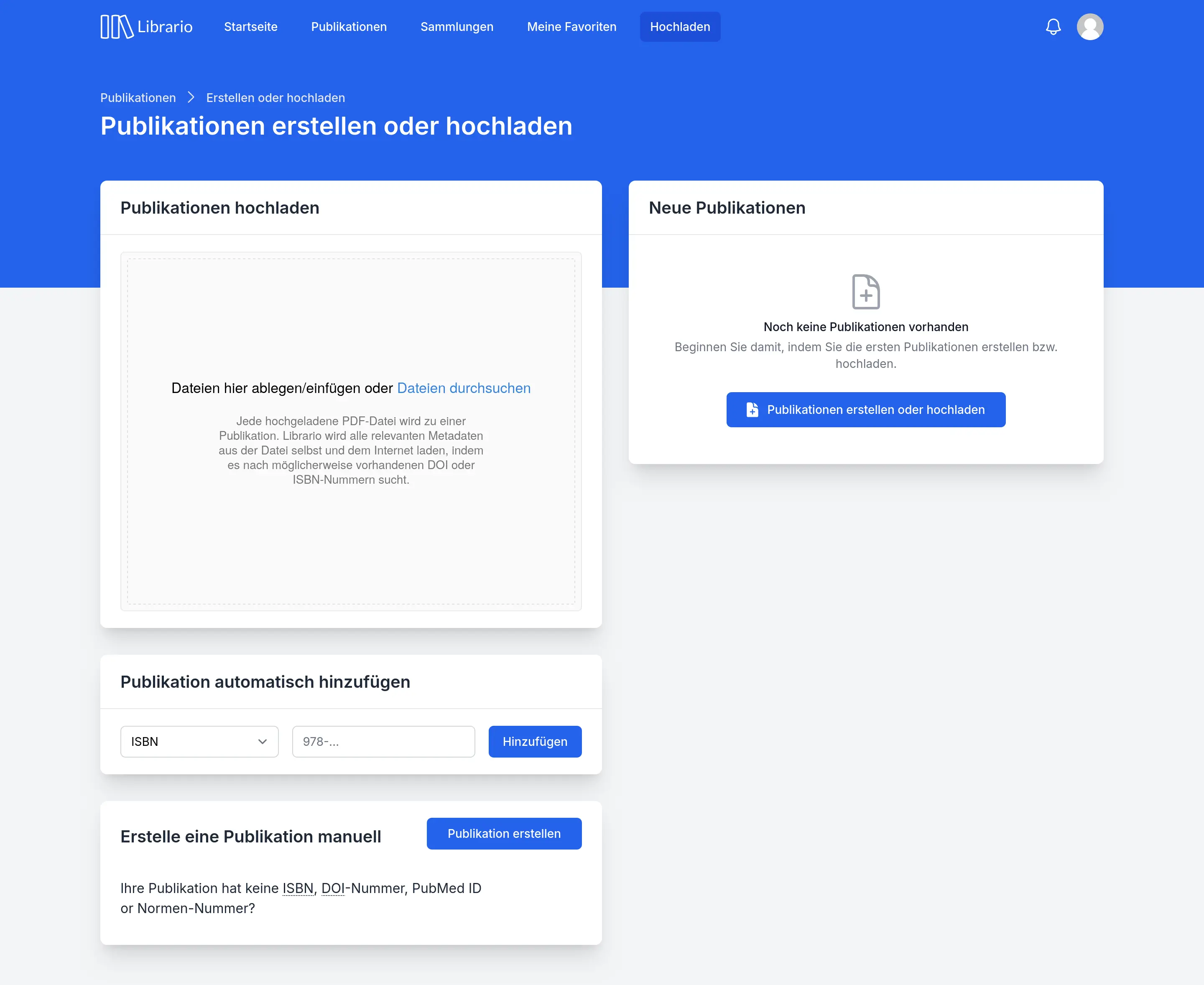
Screenshot of the German interface.
Step 3: Get to know search
After the import, you search titles, metadata and the full text of uploaded PDFs from one search field.
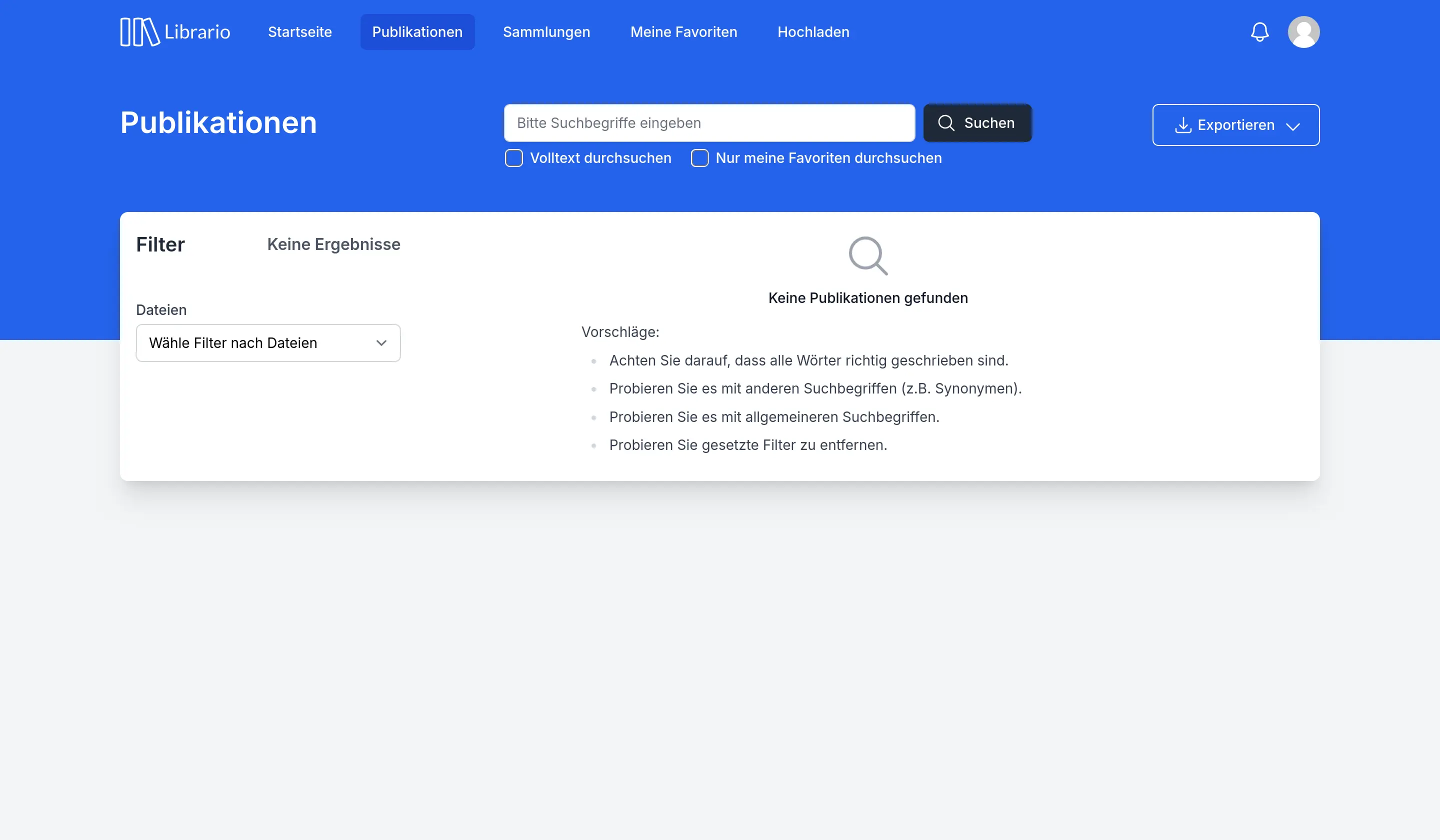
Screenshot of the German interface.
Step 4: Invite your team
Invite your users. Librario sends each person a welcome email, and from then on everyone searches the same holdings.
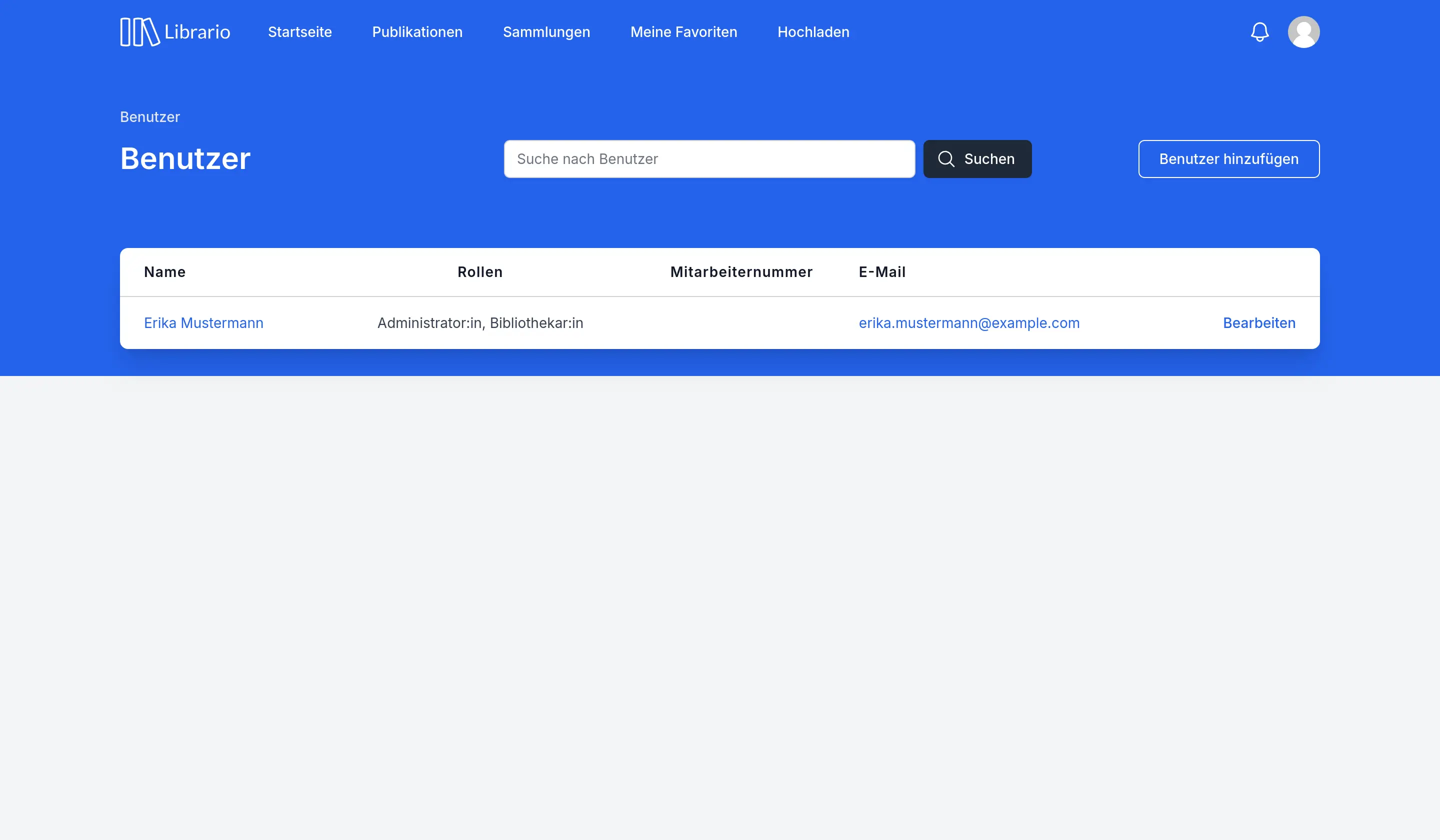
Screenshot of the German interface.